RK Infinity Login Guide: How to Access Your Account on Mobile and Desktop
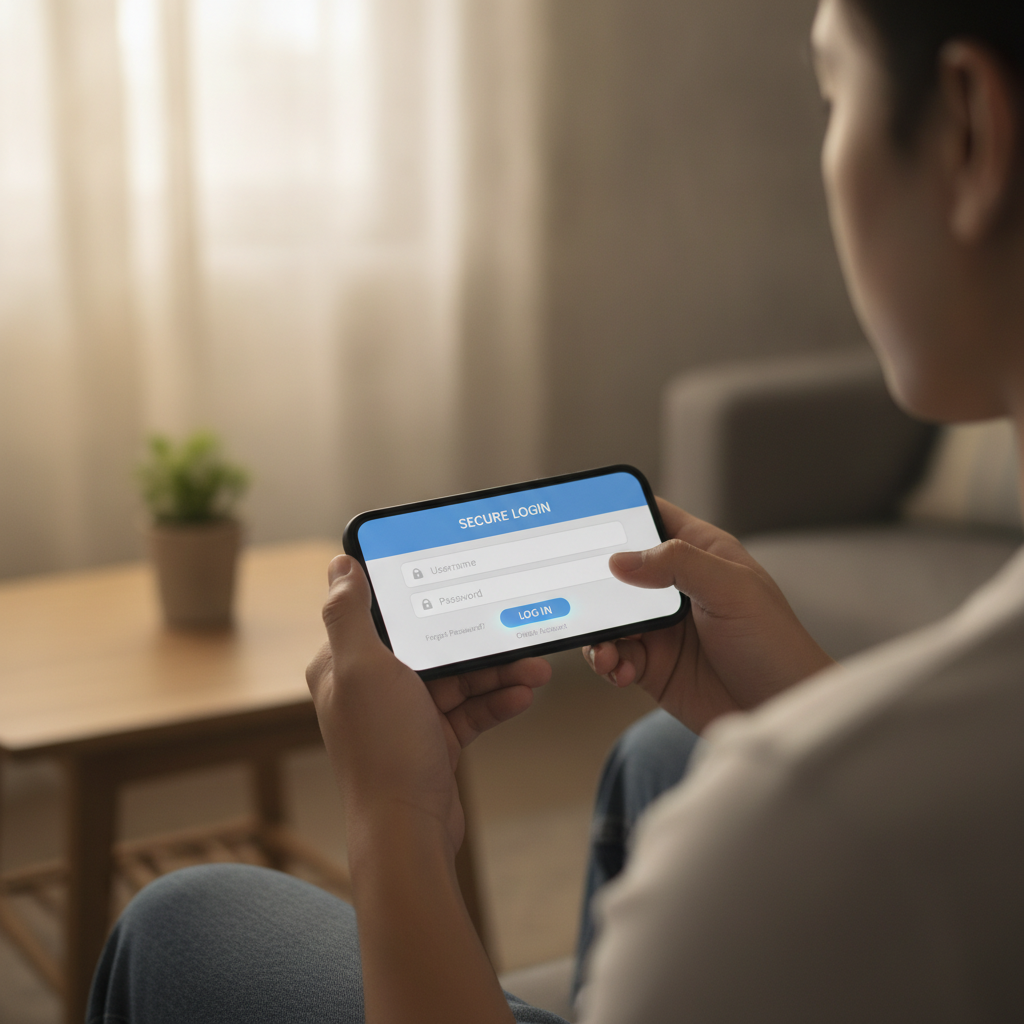
Where to Find the RK Infinity Login Page on Browser and How to Bookmark It
The RK Infinity login page sits at the top-right corner of the RK Infinity website when you open it in any browser—Chrome, Safari, Firefox, or Samsung Internet. You will see a button labeled "Login" or "Sign In" next to the main "Register" button.
Tap that button and a login form will appear, either as a pop-up overlay or on a new page, depending on whether you are on mobile or desktop. The form asks for your username (or registered mobile number) and your password.
On an Android phone, open Chrome or your preferred browser, type "RK Infinity" into Google, and tap the official site from the search results. Once the homepage loads, look for the Login button in the header menu. Tap it to reach the login screen.
On a desktop or laptop, visit the RK Infinity homepage through any browser. The Login link is usually positioned in the top-right corner of the navigation bar. Click it to open the login form.
Bookmarking for Faster Access
To save time on future visits, bookmark the RK Infinity homepage or the direct login URL after you reach it the first time.
On Android Chrome, tap the three-dot menu icon in the top-right corner of your browser while you are on the RK Infinity site, then select "Add to Home screen" or "Bookmark." This places a shortcut on your phone's home screen or in your browser's bookmark list. The next time you want to log in, tap that shortcut instead of searching again.
On desktop browsers, press Ctrl+D (Windows) or Cmd+D (Mac) while on the RK Infinity homepage to bookmark it. Name it something simple like "RK Infinity Login" so you can find it quickly in your bookmarks bar.
Bookmarking the site reduces the chance of landing on a fake or phishing page when you search for RK Infinity in the future.
Entering Your Username and Password Correctly on Android Phones
The RK Infinity login form has two fields: one for your username or mobile number, and one for your password. Both fields are case-sensitive, which means "Player123" and "player123" are treated as different usernames.
Username Field
When you registered your RK Infinity account, you either chose a unique username or used your mobile number as your login ID. Check which one you selected during sign-up. If you used your phone number, enter it in the format you provided at registration—usually 11 digits starting with 09, without spaces or dashes.
On an Android phone, the keyboard will switch to a number pad if the field expects digits, or show the full QWERTY keyboard if it accepts letters. Make sure your autocorrect or predictive text does not change what you type. If you see suggestions appearing above the keyboard, ignore them and type your exact username.
Password Field
Your password must match exactly what you set when you registered. Passwords are case-sensitive, so "MyPass2024" is different from "mypass2024."
Common mistakes on mobile:
- Auto-capitalization – Many Android keyboards capitalize the first letter of a new field by default. If your password starts with a lowercase letter, turn off auto-caps before typing.
- Extra spaces – Accidentally tapping the space bar at the start or end of your password will cause a login error. The password field usually hides characters with dots or asterisks, so you will not see the extra space, but the system will reject it.
- Wrong keyboard layout – If your password includes numbers or symbols, make sure you switch to the correct keyboard pane. Holding down certain keys can also reveal alternate characters (for example, holding "e" may show é, è, ê).
Double-check your entries before tapping the "Login" or "Sign In" button. If you are logging in for the first time on a new device, type slowly and carefully.
Password Visibility Toggle
Most login forms, including RK Infinity's, include a small eye icon next to the password field. Tap it to reveal or hide your password as you type. Use this feature to confirm you have entered every character correctly, especially on a small phone screen.
What to Do If You See 'Invalid Credentials' or 'Account Locked' Messages
Even after entering your username and password carefully, you may encounter error messages. Here is what each one means and how to respond.
"Invalid Credentials" or "Incorrect Username or Password"
This message means the username or password you entered does not match what RK Infinity has on file. Go back and check:
- Spelling and capitalization – Retype both fields, watching for accidental spaces, wrong cases, or typos.
- Username format – If you registered with a mobile number, make sure you are entering the number, not a username. If you chose a username, do not enter your phone number.
- Password reset – If you are certain your username is correct but the password keeps failing, you may have forgotten or misremembered it. Look for a "Forgot Password?" link below the login form. Tap it, enter your registered mobile number or email, and follow the instructions RK Infinity sends to reset your password.
RK Infinity typically sends a password-reset code via SMS or email. Enter that code on the reset page, then create a new password. Make sure your new password meets any requirements listed—often a minimum of eight characters, including at least one number or symbol.
"Account Locked" or "Account Suspended"
If you see this message, your account has been temporarily locked, usually for one of these reasons:
- Too many failed login attempts – After several incorrect password tries in a row (often three to five), RK Infinity may lock your account for a set period—commonly 15 to 30 minutes—to protect against unauthorized access.
- Security flag – If RK Infinity's system detects unusual activity (for example, login attempts from an unfamiliar location or device), it may freeze your account until you verify your identity.
- Pending verification – If you have not completed ID verification after registering, some operators restrict login access until you upload a valid government ID and selfie.
What to do:
- Wait 15 to 30 minutes, then try logging in again.
- Check your registered email or mobile number for a message from RK Infinity explaining the lock and any steps you need to take.
- If the lock persists beyond an hour, contact RK Infinity customer support through live chat or the contact page on their website. Have your username and registered mobile number ready so the support team can verify your identity and unlock your account.
Do not create a new account to bypass a lock. RK Infinity's terms usually prohibit multiple accounts, and doing so may lead to permanent suspension of all your accounts.
Staying Logged In vs. Logging Out After Each Session for Security
When you log in to RK Infinity on your phone or computer, you may see a checkbox labeled "Remember me" or "Keep me logged in." Selecting this option stores a session cookie on your device so you do not have to re-enter your credentials the next time you visit.
When to Stay Logged In
Staying logged in is convenient if:
- You are using your personal phone or computer that no one else accesses.
- You want to place bets quickly without typing your password every time.
- You trust the security of your device (screen lock enabled, up-to-date antivirus or security app installed).
Even with "Remember me" checked, RK Infinity may require you to log in again after a period of inactivity—often 24 to 48 hours—or if you clear your browser's cookies and cache.
When to Log Out
Logging out after each session is safer if:
- You are using a shared device, such as a family computer or a friend's phone.
- You are on a public or unsecured Wi-Fi network, like a café or mall hotspot.
- You are logging in from an internet café or computer shop.
To log out, look for a "Logout," "Sign Out," or profile menu icon (often a silhouette or your username) in the top-right corner of the RK Infinity site. Tap or click it and select "Logout." This ends your session and clears your login credentials from that browser.
Additional Security Tips
- Enable two-factor authentication (2FA) if RK Infinity offers it. This requires a one-time code sent to your phone each time you log in from a new device.
- Use a strong, unique password that you do not reuse on other websites. Consider a password manager app to generate and store complex passwords securely.
- Update your password regularly—every few months—especially if you notice any suspicious activity on your account.
- Avoid saving your password in your browser if you share your device. Instead, type it manually each time or use a dedicated password manager with biometric unlock (fingerprint or face recognition).
21+ Only and Responsible Gambling Reminder
RK Infinity is strictly for players aged 21 and above. By logging in and placing bets, you confirm that you meet the legal age requirement in the Philippines.
Gambling should remain a form of entertainment, not a way to make money or solve financial problems. Set a budget before you log in, and never deposit more than you can afford to lose. If you find yourself chasing losses, betting with money meant for essential expenses, or feeling anxious about your gameplay, take a break.
RK Infinity provides responsible gambling tools in your account settings, including deposit limits, session time reminders, and self-exclusion options. Use these features to stay in control. If you need support, organizations such as the National Center for Mental Health in the Philippines offer confidential assistance for gambling-related concerns.
Final Checklist Before You Log In
- Bookmark the official RK Infinity login page to avoid phishing sites.
- Double-check your username and password for typos, spaces, and correct capitalization.
- If you see an error, wait a few minutes and try again, or reset your password if needed.
- Decide whether to stay logged in based on device security and who else has access.
- Log out when using shared or public devices.
- Remember: RK Infinity is 21+ only, and responsible gambling practices protect your enjoyment and finances.
Once you have logged in successfully, you can explore slots, live dealer tables, and sports betting on PBA, NBA, and volleyball—all funded through GCash, Maya, or bank transfer. Enjoy your session, play within your limits, and log out securely when you are done.