RK Infinity Live Dealer Games: How to Join a Table for the First Time
What Live Dealer Games Are Available on RK Infinity
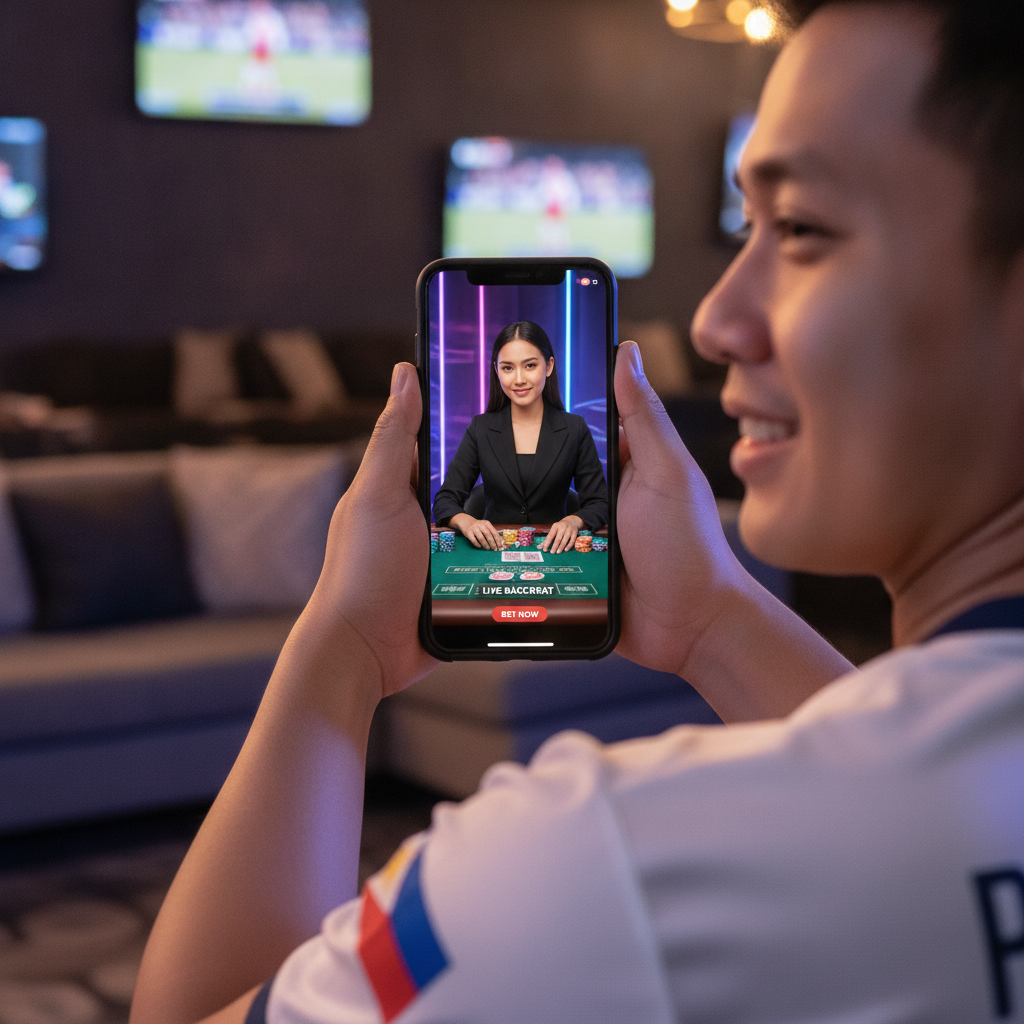
RK Infinity offers three main live dealer games where you play against a real human dealer streamed from a studio. These games run in real time, and you place your bets alongside other players watching the same table.
Baccarat is the most popular choice among Filipino players. You bet on whether the Player hand or Banker hand will win, or if the round will end in a Tie. The dealer draws cards according to fixed rules, and the hand closest to nine wins. Most tables show results from previous rounds in a scoreboard at the side of the screen.
Blackjack lets you compete against the dealer to reach 21 without going over. You decide whether to hit, stand, double down, or split pairs. Some tables allow multiple players to join the same round, while others offer dedicated seats.
Roulette features a spinning wheel and a betting grid where you can place chips on individual numbers, colours (red or black), odd or even, or groups of numbers. The dealer spins the wheel, drops the ball, and pays out winning bets when the ball lands in a numbered pocket.
Each game type usually has several tables running at once, with different minimum and maximum bet limits. This means you can pick a table that fits your budget—whether you're betting PHP 20 per round or PHP 500.
Navigating to the Live Casino Section on Android
When you open RK Infinity on your Android phone, you'll land on the home screen. The layout shows banners at the top, followed by game categories in a horizontal menu or a sidebar that slides out from the left edge.
Look for a tab or button labelled Live Casino, Live Dealer, or Live Games. On some versions of the site, this category sits between the Slots section and the Sports section. Tap it once.
The live casino lobby will load, displaying thumbnail previews of active tables. Each thumbnail usually shows:
- The game name (for example, "Baccarat A" or "Speed Roulette")
- The dealer's name or table number
- The current minimum bet in pesos
- A small video preview or static image of the table
If you have a slower mobile connection, thumbnails may take a few seconds to appear. You can scroll up and down to browse all available tables. Some lobbies let you filter by game type—tap Baccarat, Blackjack, or Roulette at the top to see only those tables.
Choosing a Table, Checking Minimum Bet Limits, and Taking a Seat
Before you tap a table, check the minimum bet displayed on the thumbnail. Common minimums range from PHP 20 to PHP 100, but some VIP or high-roller tables start at PHP 500 or higher. If the minimum is too high for your session budget, scroll to find a lower-stakes option.
Once you've chosen a table, tap the thumbnail to enter. The platform will load the live video stream and the betting interface. You'll see:
- A video window showing the dealer and the table layout
- A betting grid at the bottom half of your screen, where you place chips
- Your account balance in the top corner
- Bet limits and a countdown timer for the current round
Baccarat tables show three main betting areas: Player, Banker, and Tie. Some tables also offer side bets like Player Pair or Banker Pair.
Blackjack tables display individual seat positions. If all seats are full, you may see a "Bet Behind" option that lets you wager on another player's hand. If a seat is open, tap it to claim it for the next round.
Roulette tables present the full betting grid—inside bets (specific numbers) and outside bets (red/black, odd/even, dozens, columns). You can place multiple bets in a single round.
After you've reviewed the layout, wait for the current round to finish. A timer will count down the seconds remaining to place bets for the next round. When the timer resets and a new round begins, you can start betting.
How the Live Video Stream and Chat Work on Your Phone
The video stream runs in a window that takes up roughly the top third to half of your screen, depending on your phone's aspect ratio. Most streams are broadcast in high definition, but the quality adjusts automatically if your connection slows down. You can usually tap a settings icon (a gear or three dots) to manually set the video quality to low, medium, or high.
The dealer speaks in English or sometimes Tagalog, depending on the table. They announce the start of each betting round, call out winning numbers or hands, and confirm payouts. You'll hear their voice through your phone's speaker or earphones.
Chat function: Many live tables include a text chat box that appears as a small speech-bubble icon. Tap it to open a panel where you can type messages. You can greet the dealer, ask questions about the current round, or chat with other players at the table. Dealers typically respond to simple questions between rounds, but they cannot give betting advice or discuss strategy.
Keep in mind that chat messages are visible to everyone at the table. The platform moderates chat for offensive language, and you may be muted or removed if you violate chat rules.
Stability tips: If the stream freezes or buffers, check that you have a stable Wi-Fi or mobile-data connection. Live dealer games use more bandwidth than slots or sports betting. If you're on mobile data, make sure you have enough load or an active data plan. Switching from 3G to 4G or 5G can improve stream quality.
Placing Your First Bet and Understanding the Betting Timer
When the betting timer starts (usually 15 to 30 seconds), tap the chip denominations at the bottom of the screen to select your bet size. Common chip values are PHP 10, PHP 20, PHP 50, PHP 100, and PHP 500. Tap a chip, then tap the area of the betting grid where you want to place it.
- In baccarat, tap Player, Banker, or Tie.
- In blackjack, confirm your seat and place your ante bet in the circle in front of your position.
- In roulette, tap any number, colour, or section on the grid. You can place multiple chips on different spots before the timer runs out.
A number will appear on the grid showing your total bet for that position. If you make a mistake, look for an Undo or Clear Bets button to remove chips and start over.
Once the timer hits zero, the dealer will announce "No more bets" and begin the round. You cannot add or change bets after this point. The dealer will deal cards (baccarat or blackjack) or spin the wheel (roulette), and the video will show the outcome in real time.
If you win, your payout is credited to your balance immediately. The betting interface will display your winnings in a pop-up or at the top of the screen. Losing bets are removed from your balance, and the next betting round begins.
Managing Your Bankroll and Recognizing When to Stop
Live dealer games move quickly, especially speed baccarat or rapid roulette tables that run rounds every 30 to 60 seconds. It's easy to place many bets in a short session, so decide on a budget before you start.
A practical approach for first-time players:
- Set a session limit—for example, PHP 200 or PHP 500—and stop when you reach it, win or lose.
- Choose minimum bets you can afford—if your budget is PHP 200, a PHP 100 minimum means only two rounds. A PHP 20 minimum gives you ten rounds.
- Track your balance in the top corner of the screen and leave the table if you've spent your planned amount.
Live dealer games are designed for entertainment. No betting system or pattern-reading guarantees a win, and the house edge ensures the platform has a long-term advantage. If you find yourself chasing losses or betting more than you intended, it's time to close the table and take a break.
21+ Only and Responsible Gambling
RK Infinity live dealer games are restricted to players aged 21 and over. By registering and playing, you confirm that you meet this age requirement.
Gambling should be an occasional activity for entertainment, not a way to make money or solve financial problems. If you feel that your gaming habits are becoming difficult to control, consider using the platform's deposit limits, session time reminders, or self-exclusion tools. You can also reach out to local support organizations for confidential help.
Play within your limits, set a budget before each session, and remember that it's always okay to walk away.
Next steps: Once you're comfortable joining live dealer tables, you can explore different game variants, try tables with higher or lower limits, or switch between baccarat, blackjack, and roulette to find the style you enjoy most. Each session is a chance to practice reading the flow of the game and managing your bets on a round-by-round basis.